
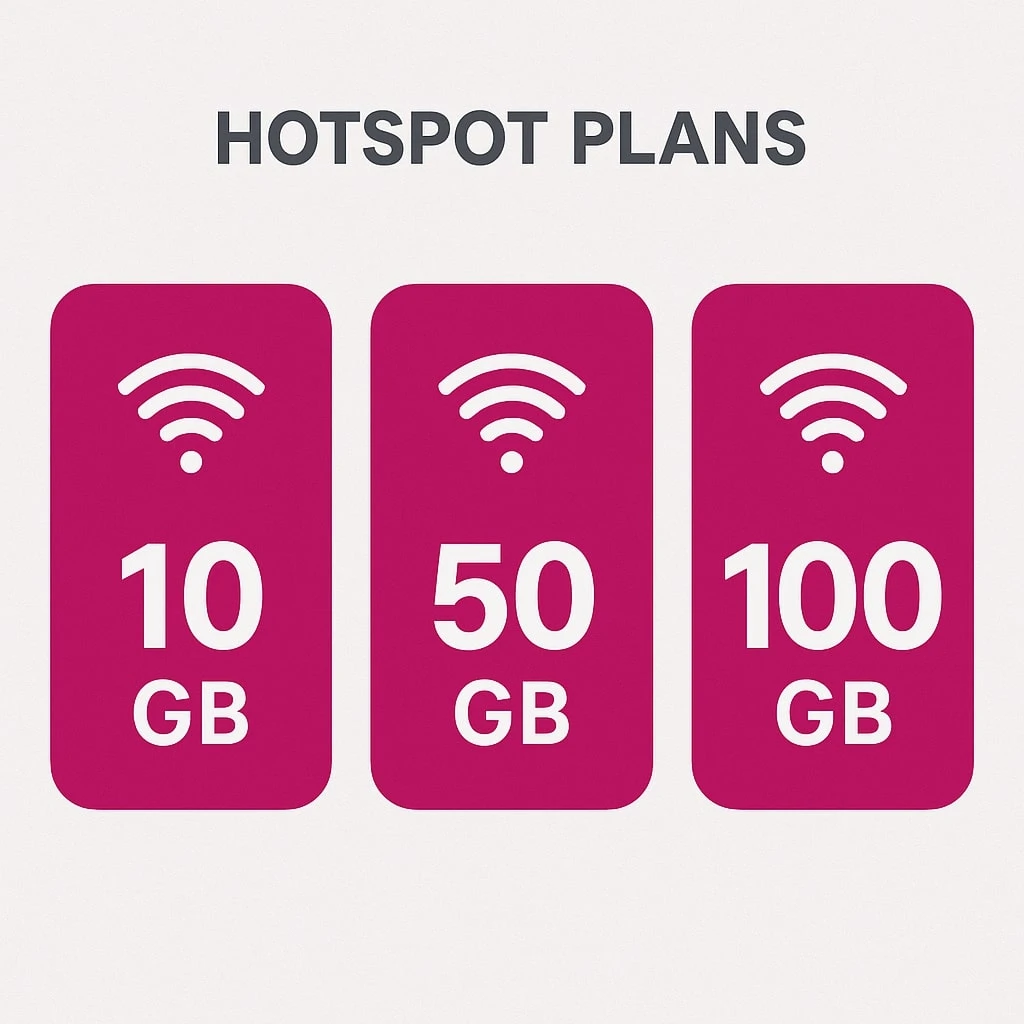
Think of a T-Mobile hotspot as a little Wi-Fi router in your pocket. It uses T-Mobile’s cellular data network so you can connect your devices anywhere. You can share your smartphone’s data or use a separate hotspot device to connect tablets, laptops, and more. A mobile hotspot shares your cellular data with other devices. This can be really useful when you’re traveling, studying, or working in a place with no Wi-Fi. T-Mobile offers many hotspot plans so you can surf, stream, or work from almost anywhere.
T Mobile Hotspot Plans Overview
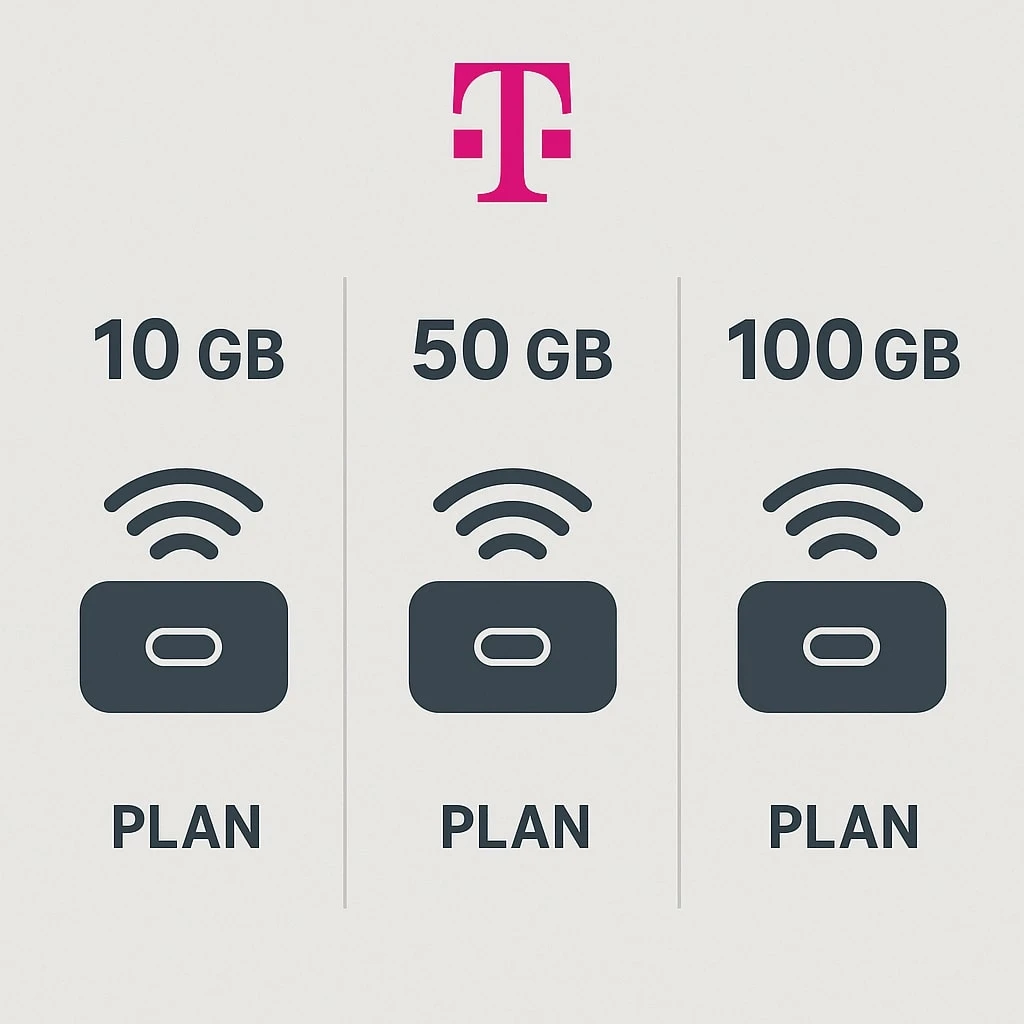
T-Mobile offers several types of hotspot plans to fit different needs and budgets. Broadly, you have:
- Phone-based Hotspot: If you have a T-Mobile phone plan (especially an unlimited plan), you can turn your phone into a hotspot for free.
- Dedicated Hotspot Device: You can buy or bring a portable hotspot device (like the T-Mobile Linkport) and attach a data-only plan to it.
- Prepaid Data Plans: T-Mobile has no-contract data plans for tablets and hotspots (2GB, 5GB, 10GB, etc.).
- Special Programs: For example, Project 10Million gives some students a free hotspot and free data.
Each option has its own perks. You might use your phone as a hotspot when you already have a phone plan, or get a separate device and plan if you need more data. The rest of this guide will explain all of these T-Mobile hotspot plans and how they work.
Using Your Phone as a Hotspot
If you already have a T-Mobile phone, the hotspot feature is often included at no extra cost. In other words, on unlimited phone plans you get hotspot data “for free” as part of your plan. Every T-Mobile unlimited plan includes hotspot usage, but the details vary by plan. Lower-cost plans give you unlimited hotspot data at slower speeds (around 7 Mbps, similar to 3G). Higher-tier plans give you a large chunk of full-speed data. For example, CableTV reports that an $85/month T-Mobile plan includes 60GB of high-speed hotspot data, and a $100 plan includes 250GB of high-speed data. After using the full-speed allowance, your hotspot slows down (to 3G speeds or 600 Kbps) but still works.
In short, all T-Mobile unlimited phone plans have unlimited hotspot, but the amount of high-speed data depends on which plan you pick. If you need truly fast data for many hours, choose the higher plans. If you only need occasional use, a cheaper plan’s slower speeds might be fine. Either way, using your smartphone as a hotspot is simple and does not require a separate purchase.
Dedicated Hotspot Data Plans
If you need a lot of data on the go or want to connect multiple devices, consider a dedicated hotspot device. T-Mobile sells devices like the TCL Linkport or others. You just pick a data plan and insert it in the device. T-Mobile’s mobile internet plans include options like 15GB for $20 or 25GB for $25 per month. The most popular is the 100GB plan for $50 per month. Each of these plans gives you high-speed data up to the listed amount, then continues at very slow speeds (around 600 Kbps) once you hit the cap.
T-Mobile’s portable hotspots (like the TCL Linkport shown above) create a secure Wi-Fi network from your data plan. You can connect several gadgets at once. In fact, the 100GB plan is great for groups: it allows multiple devices (laptops, tablets, phones) to be online simultaneously. It’s perfect for families on vacation, road trips, or remote work.
T-Mobile recently updated its data-only plans. Now the 100GB plan can be used on any compatible device, not just T-Mobile’s own 5G hotspot. And it comes with extra international data (15GB in Canada/Mexico, 5GB in other countries). T-Mobile retired the old 50GB and 30GB hotspot plans, and introduced new ones: a 25GB plan for $25 (or as low as $5 on certain tablet/phone bundles) and a 15GB “Linkport” plan for $20. (Note: the 15GB plan only works with the T-Mobile Linkport device.) These changes give more flexibility and international coverage to T-Mobile’s hotspot users.
T-Mobile 100GB Hotspot Plan
One highlight is the T-Mobile 100GB hotspot plan. This plan costs about $50 per month and offers a massive 100 gigabytes of high-speed data. It’s ideal for heavy users: you can stream, video-chat, or upload large files without worry. As noted above, T-Mobile made this plan more flexible in 2025 – you can use it on any LTE or 5G hotspot device. It even allows connecting multiple devices at once.
Because of its size and price, experts say the 100GB plan is a top value among mobile internet plans. For comparison, similar plans from Verizon or AT&T cost much more. If you need the internet on the go for many hours per month, this plan is hard to beat. (After 100GB, speeds will slow to around 600 Kbps, but you won’t pay extra fees.)
T-Mobile Hotspot Plans Prepaid
T-Mobile also offers prepaid data plans for hotspot devices and tablets. These work with no contract or credit check. The prepaid plans come in several sizes:
- 2GB for $10/month
- 5GB for $20/month
- 10GB for $30/month
- 30GB for $40/month
- 50GB for $50/month
Once you use up the high-speed data in any plan, your speed falls to 128 Kbps (you never get charged overage fees). These plans are great for occasional use, travel, or as a backup. They offer flexibility: for example, T-Mobile’s site shows prices as above. Older listings mentioned even a 22GB/$85 plan, but the current lineup tops out at 50GB for $50.
Prepaid plans don’t require a long-term commitment, but they also tend to be smaller than postpaid plans. Reviewers note that “the hotspot data may not be as generous” on prepaid plans compared to unlimited phone plans. If you’re a casual user or on a tight budget, these can be a good choice.
T-Mobile Hotspot Free
Are any T-Mobile hotspot plans truly free? There are special cases:
- Smartphone Hotspot: All T-Mobile phone plans include hotspot capability at no extra charge. In that sense, if you already pay for an unlimited phone plan, using your phone as a hotspot is “free” — you just use your plan’s data. CableTV explains that “T-Mobile offers free hotspot support on its smartphone plans”.
- Project 10Million (Students): T-Mobile has a public program to help students. Qualifying K–12 students can get free internet for 5 years. That includes a free T-Mobile hotspot device and 200GB of data per year at no cost. This is a subsidy for eligible low-income families to ensure students have home internet.
- Limited-Time Offers: Occasionally T-Mobile runs promotions (for example, free trial data or device rebates). These vary over time, so check T-Mobile’s official site for current deals.
In summary, while there is no permanently free unlimited hotspot plan for everyone, you often get a hotspot capability included in your existing plan. And if you qualify, T-Mobile’s Project 10Million is a free hotspot program for students.
Choosing the Right Plan
With so many choices, here are some tips from T-Mobile’s guides and reviews:
- Estimate Your Data Need: How much data will you use? Streaming video uses a lot, while checking email uses little. If you only occasionally browse or check email, a small prepaid plan is enough. For heavy use (streaming, many devices), a larger plan or unlimited phone plan is better.
- Count Your Devices: Think about how many devices you need to connect (laptop, tablets, phones). Most dedicated hotspots can handle many devices, but smartphone hotspots may slow if too many connect. Choose a plan/device that can handle your devices.
- Budget and Commitment: Decide how much you want to spend and whether you want a contract. Prepaid plans cost exactly as listed and have no contract. Postpaid (contract) plans may offer more features. Factor in device costs too (some hotspots have an upfront price).
- Extras and Features: Some plans include extras (e.g. free Netflix, international data, or higher priority on network). If these are important, check the plan details.
Using these points will help you find the best “t mobile hotspot plans” for your situation.
Tips for Using a Mobile Hotspot
To get the most out of your hotspot:
- Keep it Updated: Update your hotspot device or phone to the latest software to improve performance and security.
- Good Placement: Put the hotspot in a well-ventilated, open spot (e.g. near a window) to get a stronger signal.
- Monitor Your Usage: Check data usage regularly. T-Mobile apps and tools can alert you when you’re close to your limit.
- Secure It: Always set a strong Wi-Fi password and don’t share it with strangers. Turn off the hotspot when you’re not using it to save battery and data.
- Power Considerations: Remember that dedicated hotspots have batteries. Keep the device charged or plugged in to avoid dropping your connection.
Following these tips will help you have a faster and safer hotspot experience.
T Mobile Hotspot Plans – Conclusion
T-Mobile offers a wide range of hotspot plans to fit almost any need. Whether it’s using your phone’s unlimited plan as a hotspot or getting a dedicated 100GB data plan, you can stay connected on the go. Prepaid plans give flexibility with no contract, and there are even free options for students. When choosing, consider data needs, devices, and budget as outlined above. In the end, t mobile hotspot plans provide easy ways to take the internet wherever you are. With the right plan and tips above, you can keep browsing, streaming, and working from almost anywhere.